Portfolio basics
DAYOSS' Portfolio Builder is a unique product that tries to answer some of the queries any investor faces and individual retail investors have particular difficulty solving. Given a certain set of preferences, risk tolerance, willingness to pay fees, preferences for long history and so on, how do you:
- Structure your portfolio in general? For when you have no constraints on how want to structure your investments.
- Structure your portfolio if you have a particular exposure that you want to invest in or stay invested in? For when you either have a constraint, like unvested stocks, or a particular asset or theme you would like to have in your portfolio.
- Reoptimize a pre-existing portfolio in a way that better matches your preferences? For when you think your portfolio can be more aligned with your preferences either by reweighting, or substituting certain assets with similar funds that are higher rated on the Suitability Score.
DAYOSS approaches these problems in a unique way. We believe the user should always remain in the driving seat. As such DAYOSS makes suggestions of portfolios that might warrant your consideration and gives you the tools to help you in your decision. All portfolios given by DAYOSS fall high on the Suitability Score scale, but they have variations that translate into different Risk and Rewards. The Performance chart and the Risk/Reward chart are there to aid in your decision making.
Portfolio Configurator
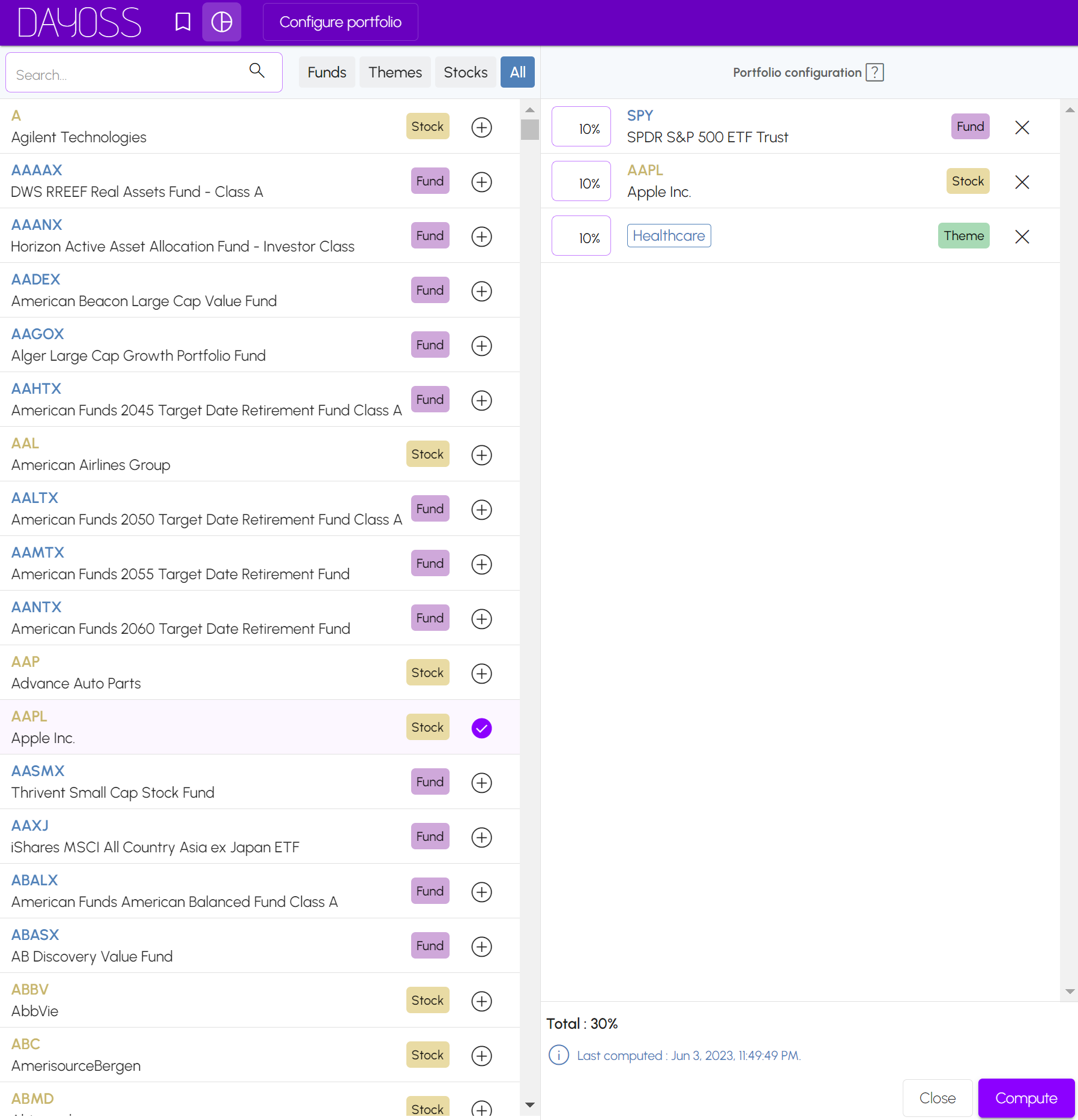
The portfolio configurator allows you to input funds, stocks or themes. To Build a portfolio from scratch, leave it empty. To Complete a partial portfolio, add the assets you want to have in your portfolio and leave the Total % to be less than 100%. To Optimize and reweight your existing portfolio add your assets and make sure the Total % sums to 100%.
Portfolio output types
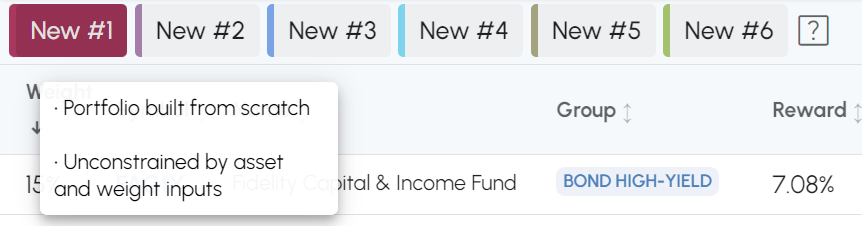
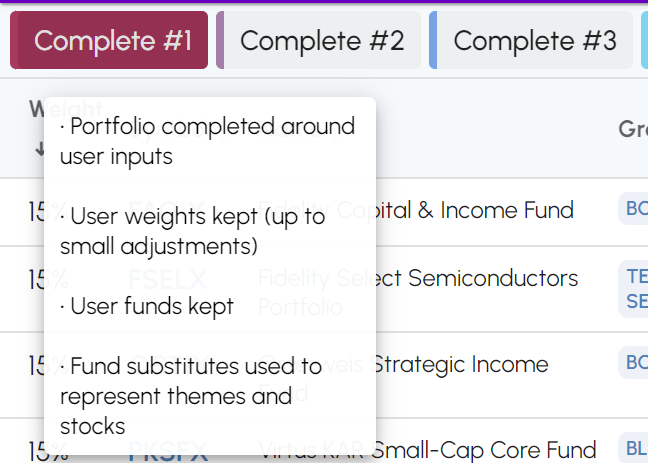
Depending on your use case, DAYOSS will output different portfolio types. Hover over the name to see a quick description of the output and click on it to select it. The different types of portfolios are explained below.

- New: This portfolio assumes that the input configuration is empty. The New portfolio has a high Suitability Score. When you leave the Portfolio Configurator empty, you get 6 of them. They all have high Suitability Score, but differing Risks and Rewards and may warrant consideration given your preferences.
- Complete: When you input a partial portfolio, the Complete portfolio type will appear in the created portfolio list. The weights of the input portfolio are kept as they are or are slightly modified for numerical computations purposes. All funds from the input configuration are kept as they are, but themes and stocks are replaced by high Suitability Score proxy funds.
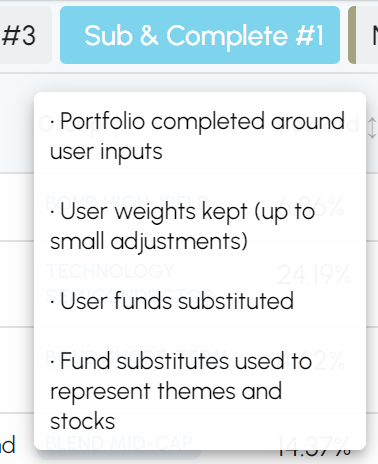
- Sub & Complete: This portfolio is identical to the Complete portfolio and it appears in the case of a partial portfolio input. However, it also substitutes any funds in the input by the fund with the highest Suitability Score within its Group.
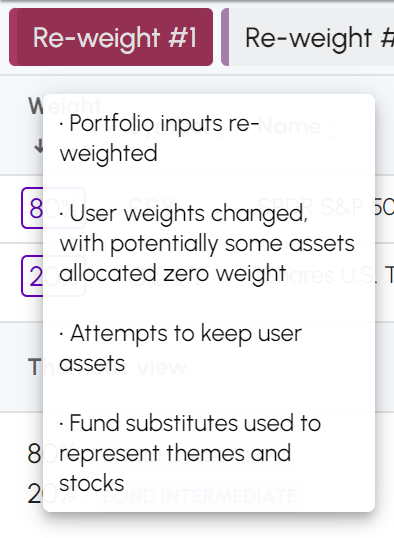
- Re-weight: When you input a complete portfolio with the Total % summing up to 100%, the Re-Weight portfolio type appears in the portfolio list. The weights of the input portfolio are changed in a manner that aims to increase the Suitability Score. Assets in your configuration whose contributions to the portfolio make it less in line with your preferences will have their weights set to 0 and removed but DAYOSS will attempt to keep them even with a low weight whenever possible. All Themes and Stocks are substituted by high Suitability Score proxy funds.
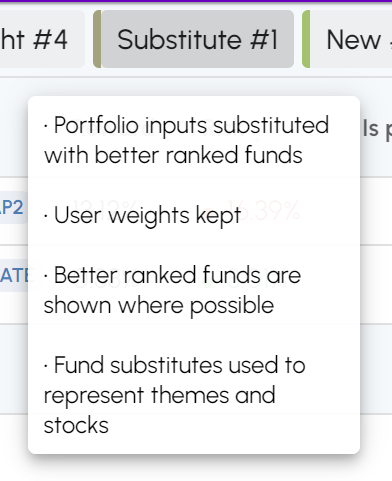
- Substitute: When you input a complete portfolio with the Total % summing up to 100%, the Re-Weight portfolio type appears in the portfolio list. The weights of the input portfolio are kept as they are or are slightly modified for numerical computations purposes. Any funds in the input are substituted by the fund with the highest Suitability Score within its Group. Themes and stocks are substituted by high Suitability Score proxy funds.
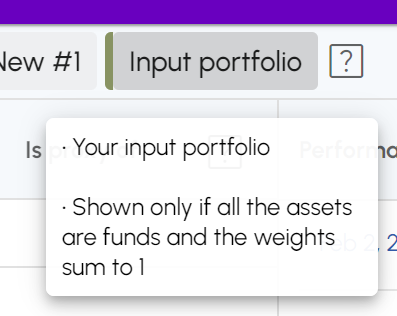
- Input portfolio: When you input a complete portfolio with the Total % summing up to 100%, AND if all the input assets are funds, the Input Portfolio type appears in the portfolio list. Use this portfolio in the Performance Chart to compare to the generated portfolios.
Specific portfolio table
The specific portfolio table shows the constituents of the generated portfolios. In the example below, we have set up a configuration with 10% SPY (an ETF fund), 10% AAPL (a stock), and 10 % Healthcare (a theme). In this example, the Specific portfolio table shows one way the portfolio could be implemented using funds.
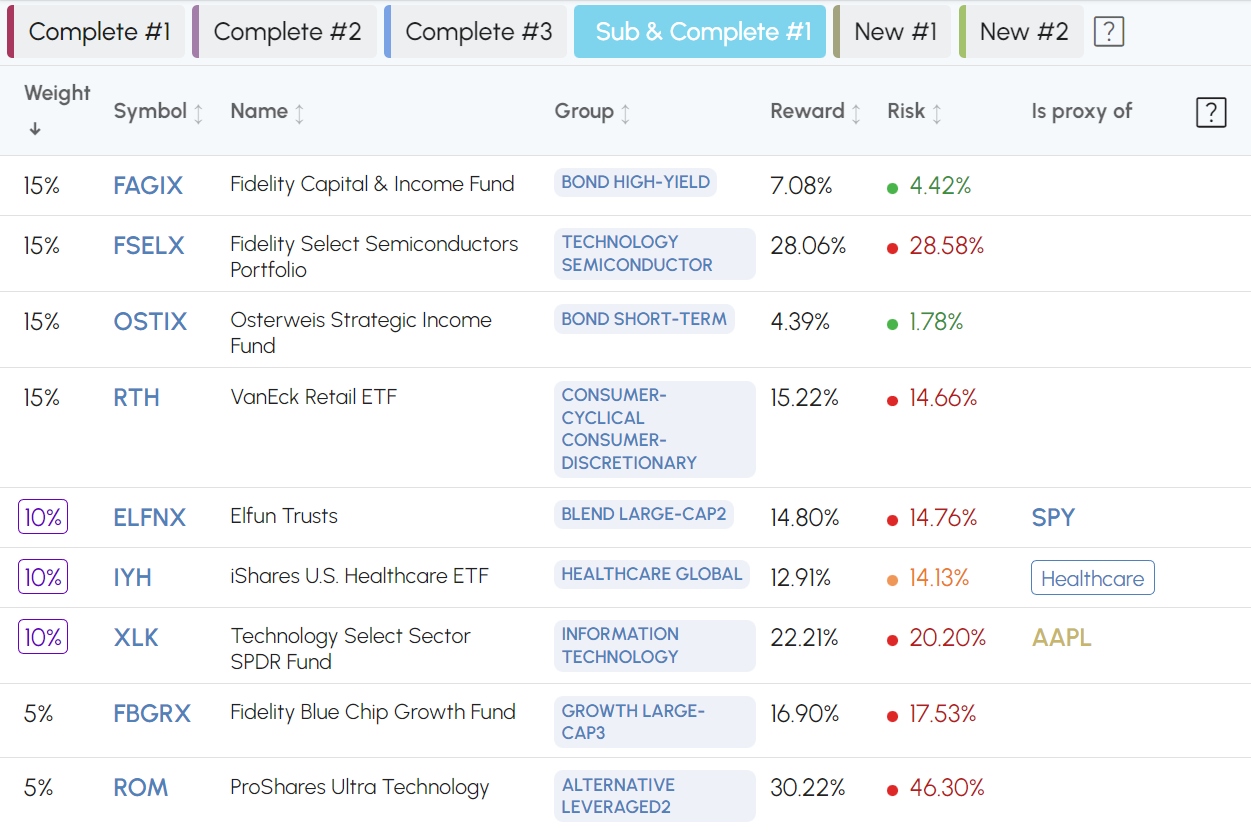
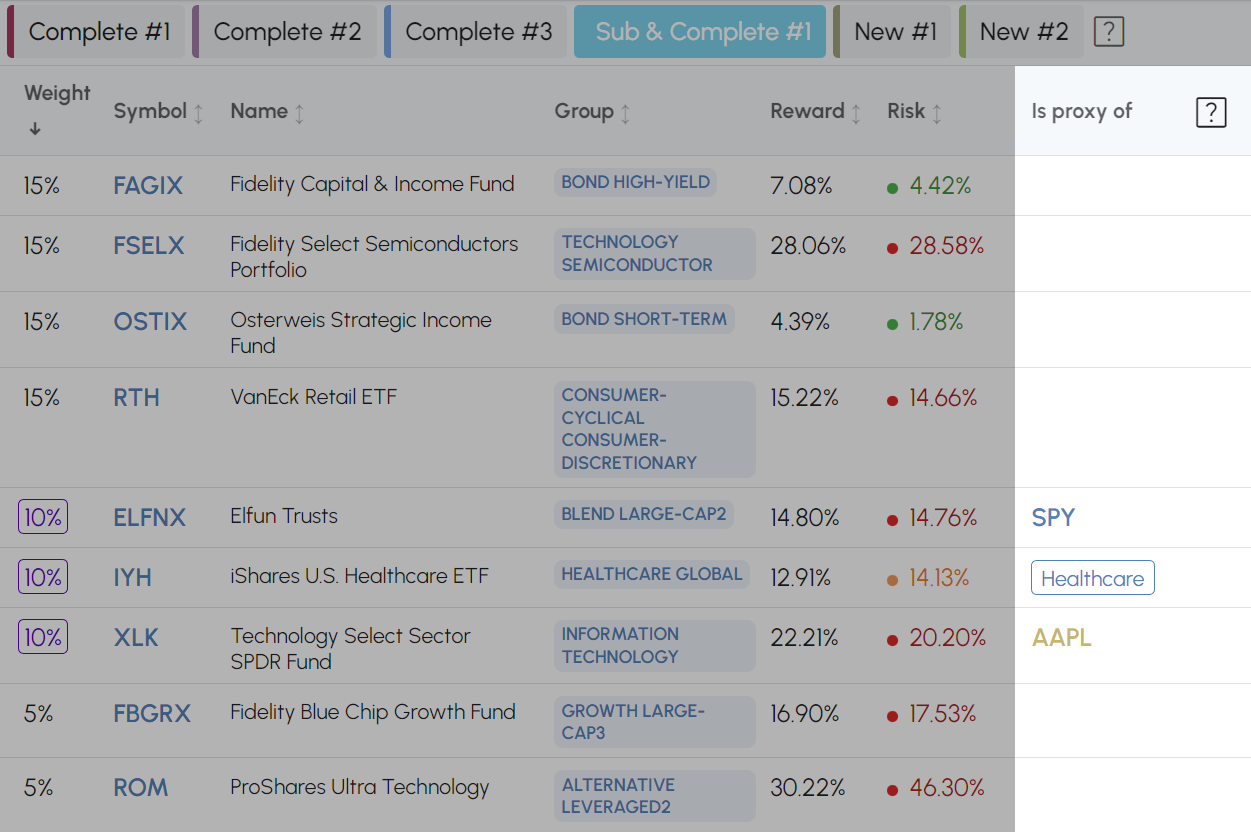
Is proxy of: The "Is proxy of" column in the table indicates that this fund is either a similar but a higher Suitability Score fund than the fund input in the configuration or a replacement for the stock or theme input in the configuration. In this example, subject to a specific set of preferences, SPY was replaced with ELFNX, a similar fund that belongs to the same BLEND LARGE-CAP2 Group but with higher Suitability Score, Healthcare was replaced by IYH, a high Suitability Score fund in the HEALTHCARE GLOBAL Group and finally AAPL was replaced with XLK, a high Suitability Score fund in the INFORMATION TECHNOLOGY Group.
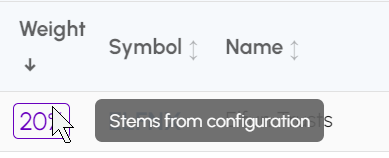
Stems from configuration: If an asset (or its proxy) is present in the configuration it's weight is highlighted and a "Stems from configuration" hover is added over it. In the example.
Thematic portfolio
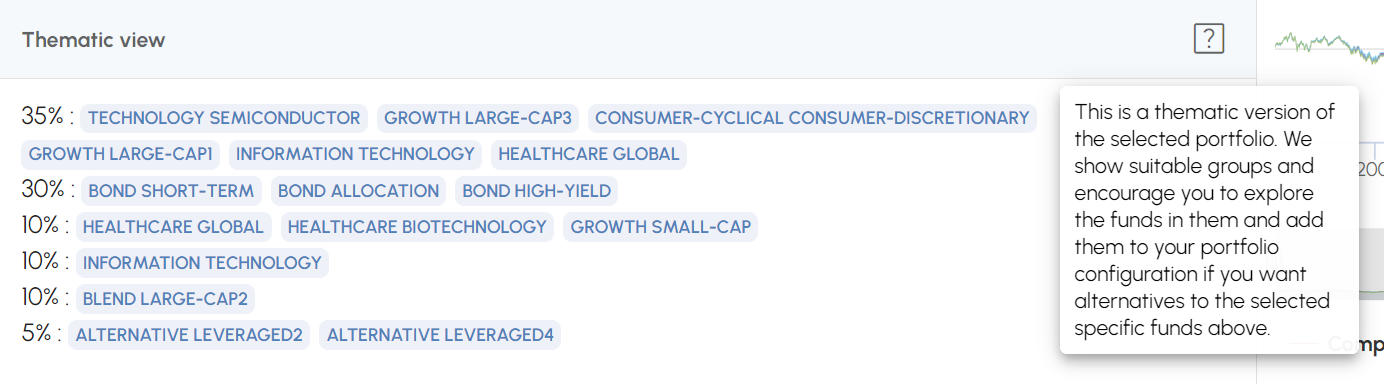
The Thematic view of the selected portfolio is there to help you explore similar funds to the ones shown in the Specific portfolio table above. In our example, FSELX (15%), RTH (15%), XLK (10%) and FBGRX (5%) are considered to be similar (part of a larger growth theme), and the Thematic view shows 35% in their Groups. You are encouraged to click on each Group and see which funds are in them, bookmark them to see them in the fund explorer or add them to the portfolio configuration.
Performance and Risk/Reward chart
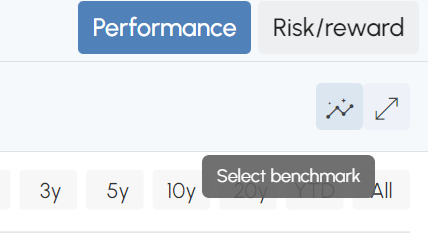
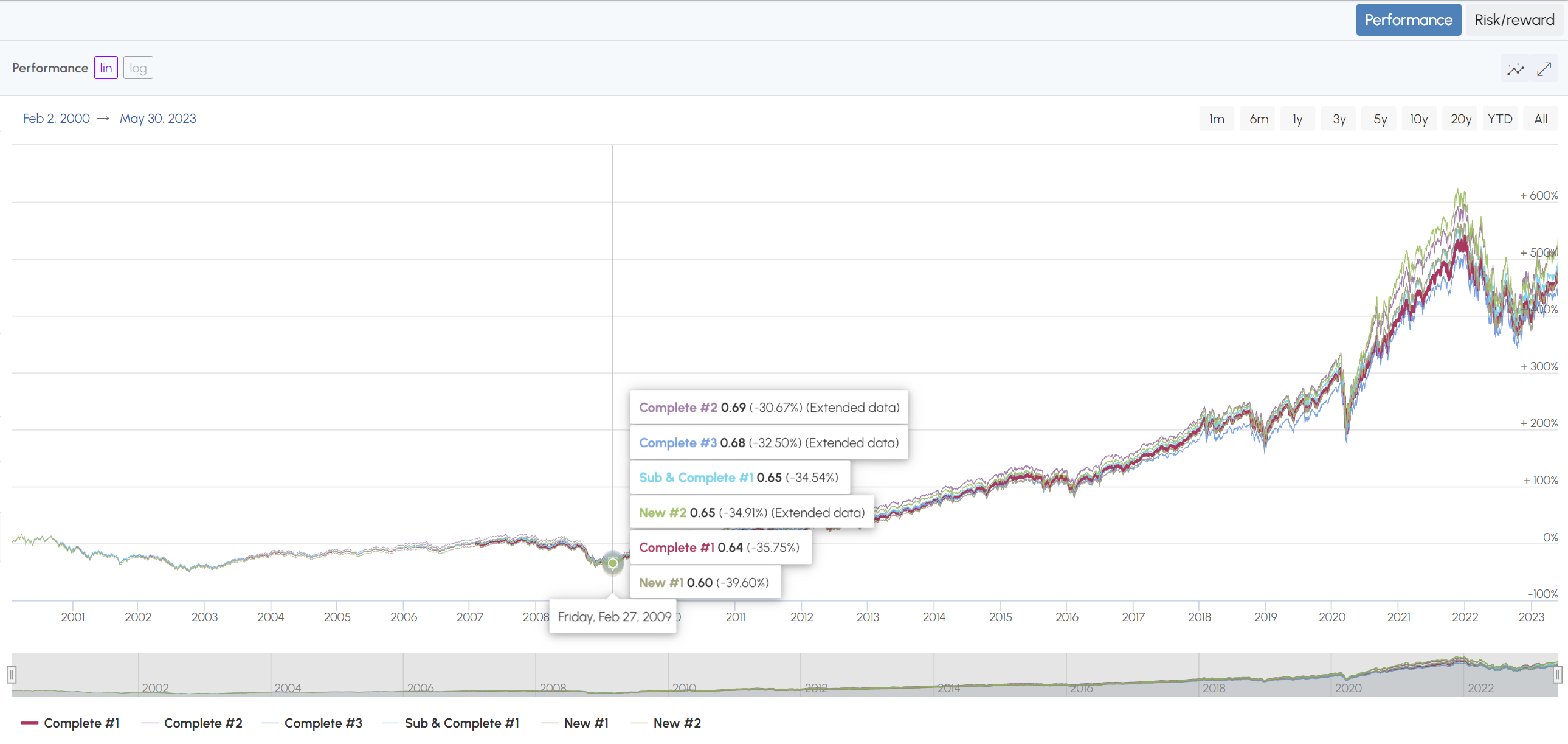
The Performance chart shows the portfolio of each generated portfolio with the selected one highlighted in bold. Funds that have Extended History make the entire portfolio extended, so the portfolio chart will show that the portfolio is extended at that date.
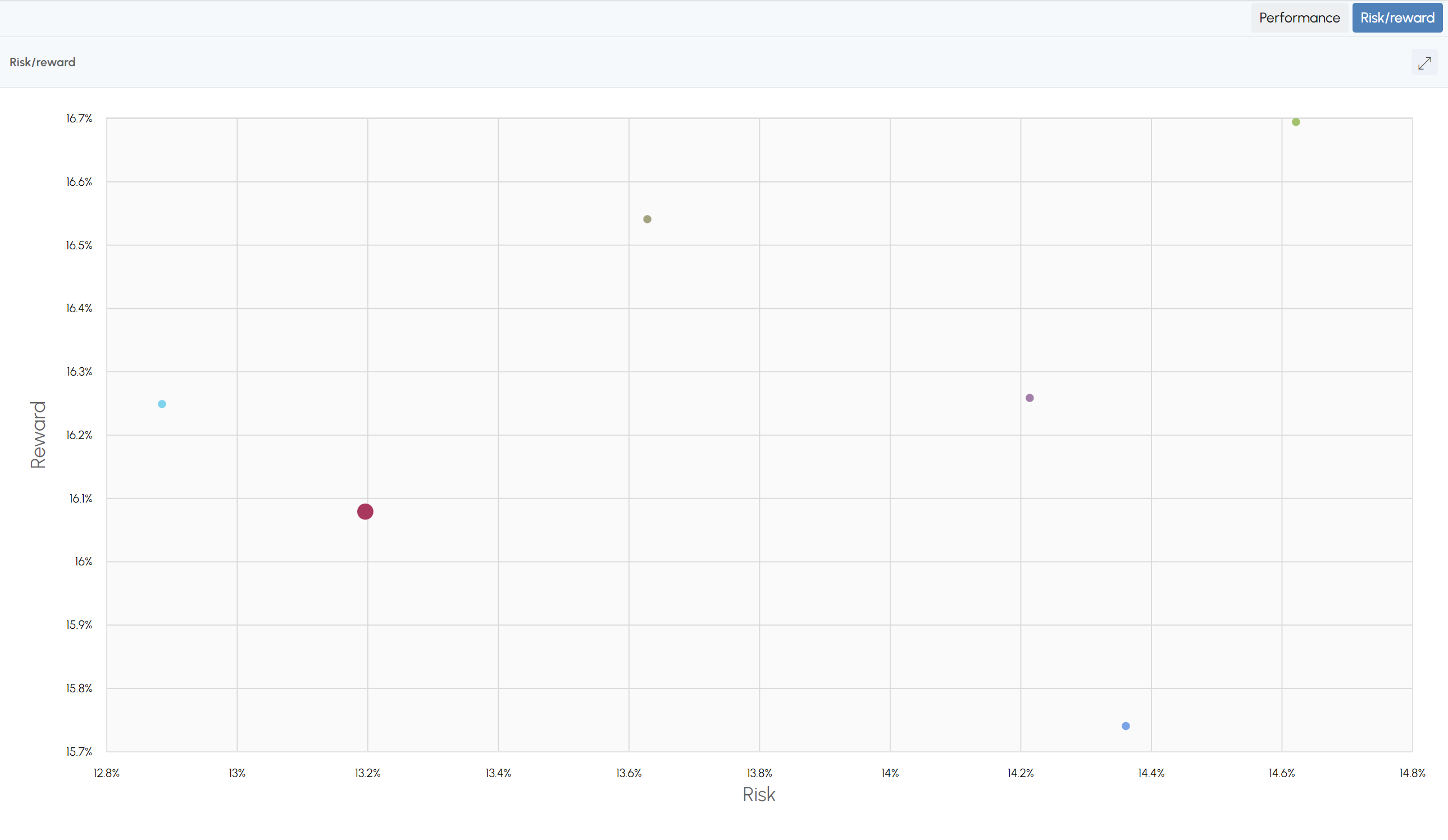
The Risk/Reward chart shows the DAYOSS personalized Risk and Reward of each portfolio. All the generated portfolios have high Suitability Scores and may warrant your consideration. But they also have varying risk within a range compatible with your preferences. This is useful to help you decide where you would like to be in terms of risk and is meant to encourage you to explore the assets and themes.
You can also add any fund to the charts with the "Select benchmark" button.